Number Of eBay Listings Does Not Match With Alisync
To keep your eBay account safe, we do not ask you to grant permit for Alisync as a third party to log in to eBay. Therefore Alisync can not automatically sync your eBay account and Alisync account, you have to enter manually every single eBay listing to Alisync. This cause a big problem that sometime you forget to enter your eBay listing to Alisync account. Therefore the number of eBay listings on your store does not match with the number of rows on your Alisync account.
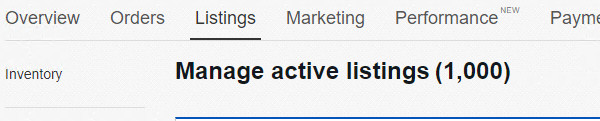
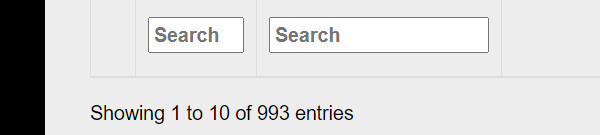
As you can see, the number of listings on Alisync is less than on eBay. Due to some unexpected reason, this user missed 7 listings, can not manage them anymore. But don’t worry, we give you this small tip.
*** Step 1: Export data from Alisync by clicking on export button from supplier page.

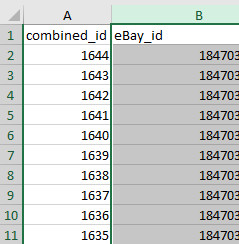
You will receive an excel file, open it and you have full list of eBay ID from Alisync account.
*** Step 2: Export data from eBay using file exchange
You can go to this link to sign up for file exchange, don’t worry, it is an eBay tool, not from any third party.
https://www.ebay.com/help/selling/ebay-tools/file-exchange?id=4096
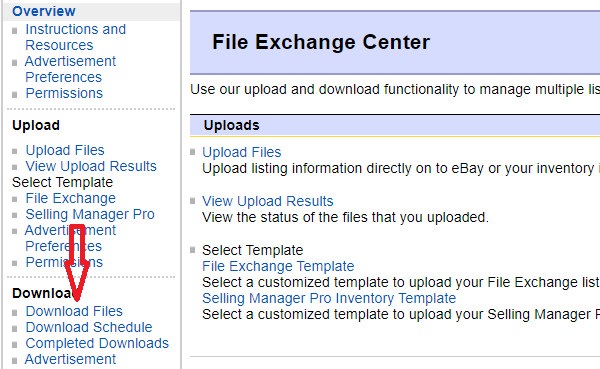
After sign up for file exchange, click on download files link
Select “Active” from Listing and Records dropdown menu.
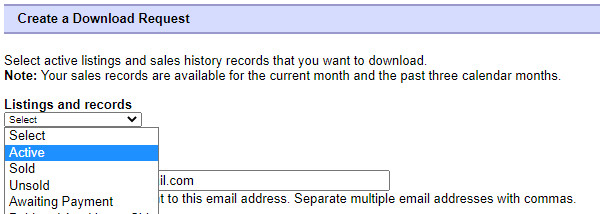
Then save, eBay will send you an excel file to your email. You can also download it directly by click on “completed downloads” from file exchange.
*** Step 3: Compare 2 files just downloaded from step 1 and 2.
Create a new excel file, copy and paste 2 columns of eBay ID from 2 files from step 1 and 2.
Put them beside together and highlight them.
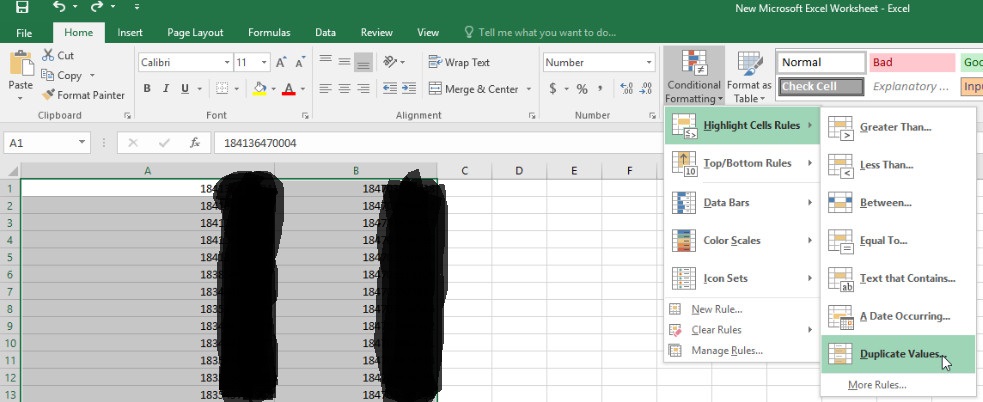
In Home choose “Conditional Formatting”-> “Highlight Cells Rules” -> “Duplicate Values”
Then click “ok”
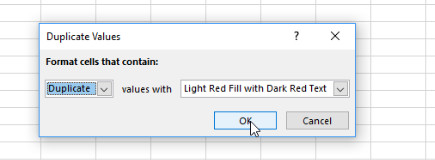
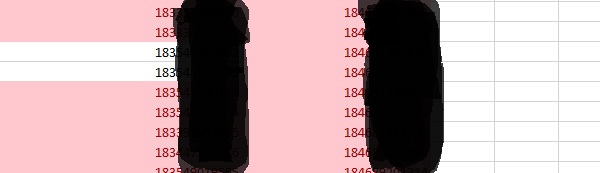
Now the missing ID is shown up in different background color. You can easily to detect them to add to Alisync again.